

LEDRPrivilege Access Management
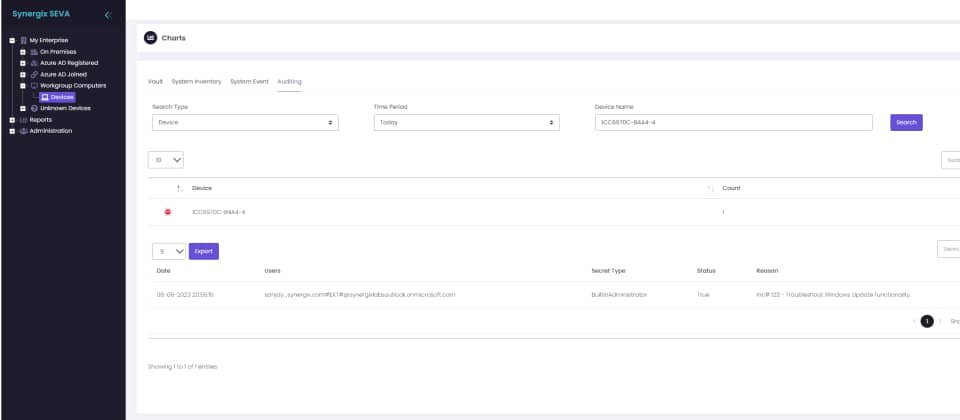

- Local Accounts Password Solution
Local Administrator (LAPS) and all non-compliant local accounts and AUTOLOGON passwords on Windows, macOS and Linux systems are rotated periodically and stored in your Azure Tenant. Open API provides the capability to integrate with serviceNow and other 3rd party applications.
- Admin On Demand. PAM Solution
Without impacting the End Users experience, elevated privileges are granted on demand and only to approved applications on end user’s primary use devices. End Users are notified when the application use approaches the set time limit.
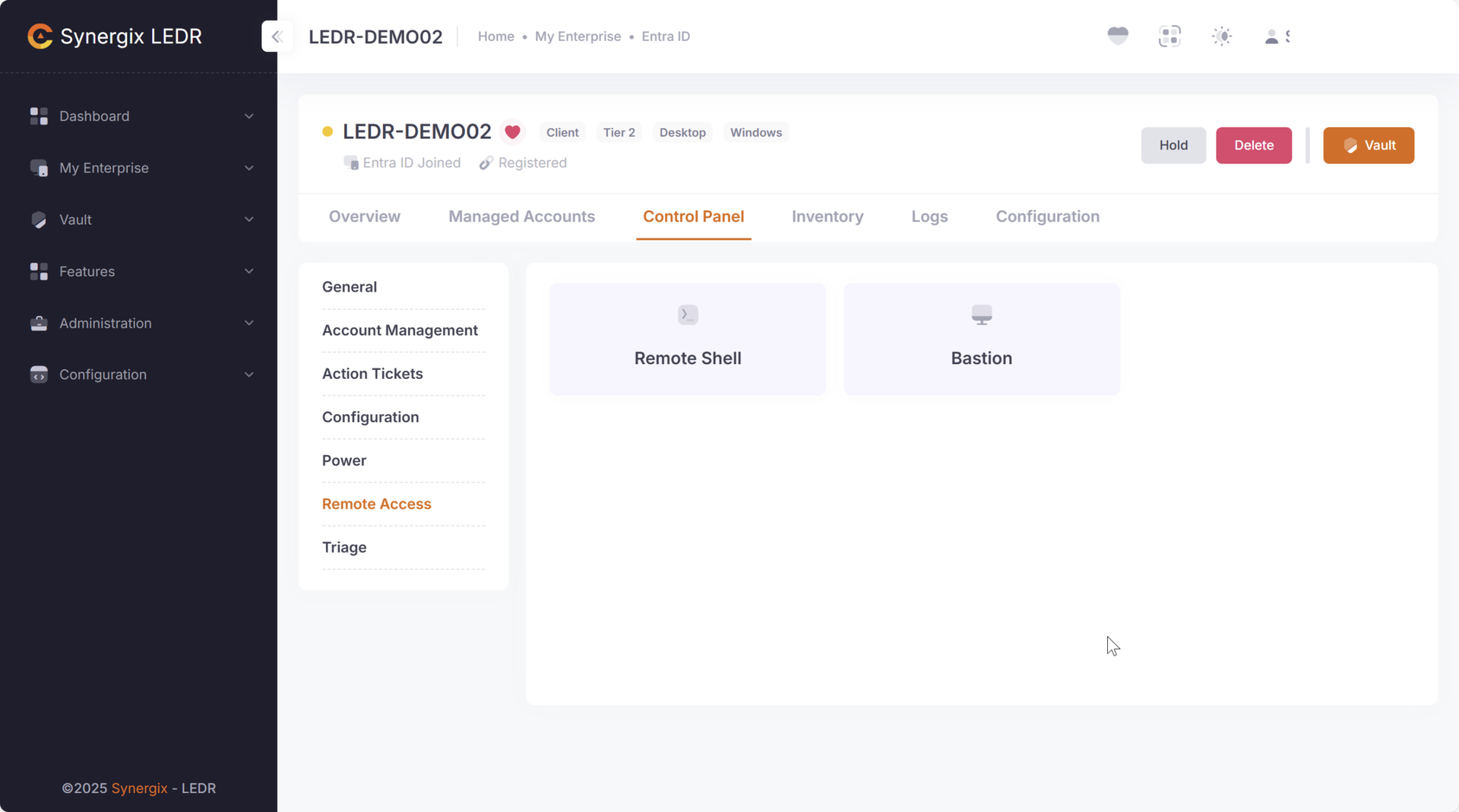
- Bastion Remote Access Gateway
Bastion Remote Access Gateway is a secure, browser‑based system that provides RDP and SSH access to devices without exposing them to the public internet. Session video capture complements PAM capability,
Continuously changing of RDP and SSH ports used for remote access, reduces exposure to automated attacks and credential‑harvesting tools and adds a moving target defense.
- SIEM Integration
Prioritizing data-privacy, the software implementation of Security and Sysmon Events Forwarding is configured to use your Azure Log Analytics Workspace.
Event Analytics summary cards are provided on the dashboard. The customer may edit or write their own custom KQL queries for Threat Detection purposes.
- Enterprise Vault
Secrets stored in Enterprise Vault, whether Private or Shared never leave the customer’s environment. Unlike SaaS based vault solution, vendors cannot access any privileged credentials.
Enterprise Vault meets regulatory compliance requirements in finance, healthcare, government.
- Process Guard
Process Guard stops attackers cold by ensuring powerful CLI tools like adfind.exe can only run under a real, interactive human identity — never from malware or automated processes.
It turns every Living‑off‑the‑Land binary into a controlled asset, not an attacker’s weapon
- Hosting Model
The software is architected as a cloud‑first, zero‑infrastructure Privileged Access Management (PAM) platform, but with a crucial distinction: the Cloud App is deployed inside the customer’s own Azure tenant.
This approach places data privacy and sovereignty at the center of the design, offering a fundamentally different risk profile compared to SaaS‑hosted PAM platforms such as CyberArk’s cloud service
- Pricing
Disruptive! Low-cost, flat-fee model, offering “Zero-Cost” entry points. Catering primarily to SME, NFP, EDU with a No Computer Left Behind philosophy ensuring large enterprise partners and service providers are protected with affordable enterprise-grade endpoint protection software.
Synergix offers competitive upgrade incentives, migration discounts, or free endpoint licenses for large enterprise customers switching from CyberArk.
LEDR
Editions
- Easy upgrade to next edition
- Local Administrator Account
- macOS and Windows
- 100 Endpoints free
- All features in Community Edition, PLUS:
- Backup Administrator Account
- Local User Account
- macOS, Windows and Linux
- 1,000 Endpoints free
- All features in Education Edition, PLUS:
- Admin On Demand
- Bastion Secure Remote Access Gateway with Screen Recording
- RDP and SSH Port Rotation
- Autologon Password Rotation
- Process Control for LOLBins and more.
- Enterprise Password Vault
- Unauthorized Local Accounts Password Rotation
- MS SQL sa Password Rotation
- Oracle sa Password Rotation*
- Remote Ops with Remote Shell
- File Triage
- RBAC
- Auditing
- Technical Support included
- All features in Enterprise Edition, PLUS:
- OPEN API
- Security and Sysmon Event Forwarding
- SIEM Integration
- Attack Detection using KQL
- Zero switching cost! Free Competitive Endpoint Upgrade* for CyberArk and Delinea customers
Editions Compared
LAPS for macOS, Linux and Windows
Entra ID Joined
On Prem AD Joined
Workgroup Joined
Built-In Administrator
Backup Administrator Account
Local User with Low Privileges
Autologon User Account
Non-compliant User Accounts
Password Complexity
Pass Phrases
Role Based Access Control
Privilege Access Management
Fine Grained Password Policy
Logon Name Rotation
Force Password Change
Windows Server
Apple MacOS
Unix
Role Based Access Control
Privilege Access Management with Admin On Demand Feature
Application Catalog
Device Policy
User Policy
Time of the Day Restrictions
Duration of Run
Reporting
Role Based Access Control
Bastion Secure RDP & SSH Access Gateway Services with screen recording
Secure Remote Desktop Gateway
Secure SSH Access Gateway
Screen Recording
RDP and SSH over TLS 1.2 on port 443 via HTML5 or native clients.
Access using Local Credentials with Least Privileges
Target systems with rotating or custom RDP/SSH ports and rotating local credentials
Network Port Rotation
RDP Port Rotation
SSH Port Rotation
Comparison with
competitive offers
Contact us to discover how LEDR cuts the "per-agent" tax of traditional security vendors and can transform your endpoint security posture and security operations, when compared to our competitors.

LAPS for MacOS, Linux and Windows
Feature Provided
Privilege Access Management with Admin on Demand Feature
Feature Provided
Bastion Secure RDP & SSH Access Gateway Services with Screen Recording
Feature Provided
Network Port Rotation
Feature Provided
System
support
- .Net Core Framework
- Browsers (Chrome, Edge)
- Synergix LEDR Installation Files
- Note
Installer must have Administrator rights on Windows Computer or necessary privileges in software distribution software to deploy software on target systems.


LEDR
features
- Universal LAPS
- ADMIN ON DEMAND
- TRIAGE
- REVERSE SHELL
- SCADA AUTOLOGON
- PROCESS GUARD
- SERVICE CREDENTIALS
- SIEM INTEGRATION
- RDP & SSH PORT ROTATION
Improve security posture by randomizing service port for Remote Desktop Protocol and SSH.
- DECOY AGENTS
- INVENTORY
- OPEN API
- Internet Exposed Ports
Using service providers like Shodan, AbuseIPDb or VirusTotal check if any one of your endpoints is directly connected to the Internet and has open ports.
LEDR
Gallery
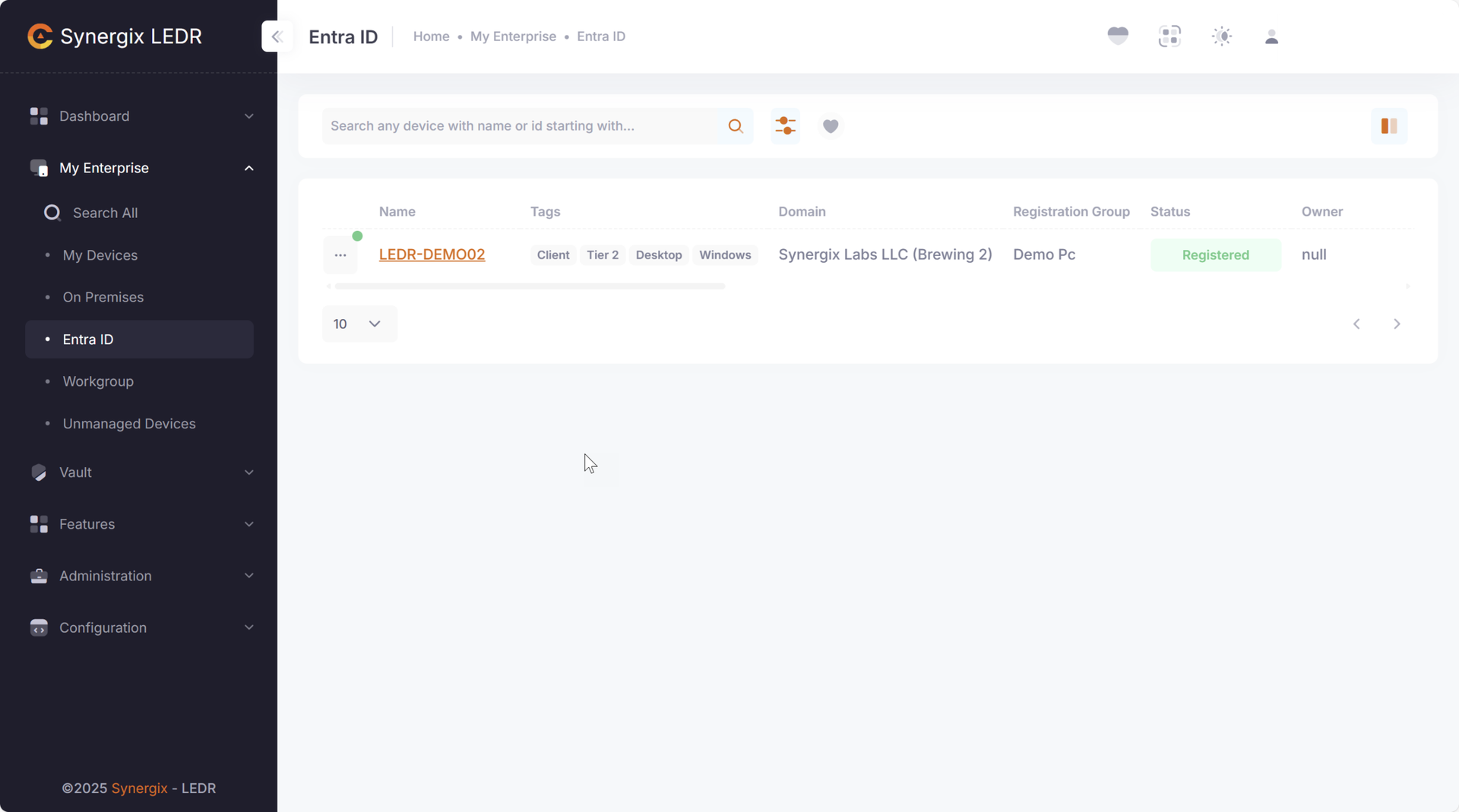
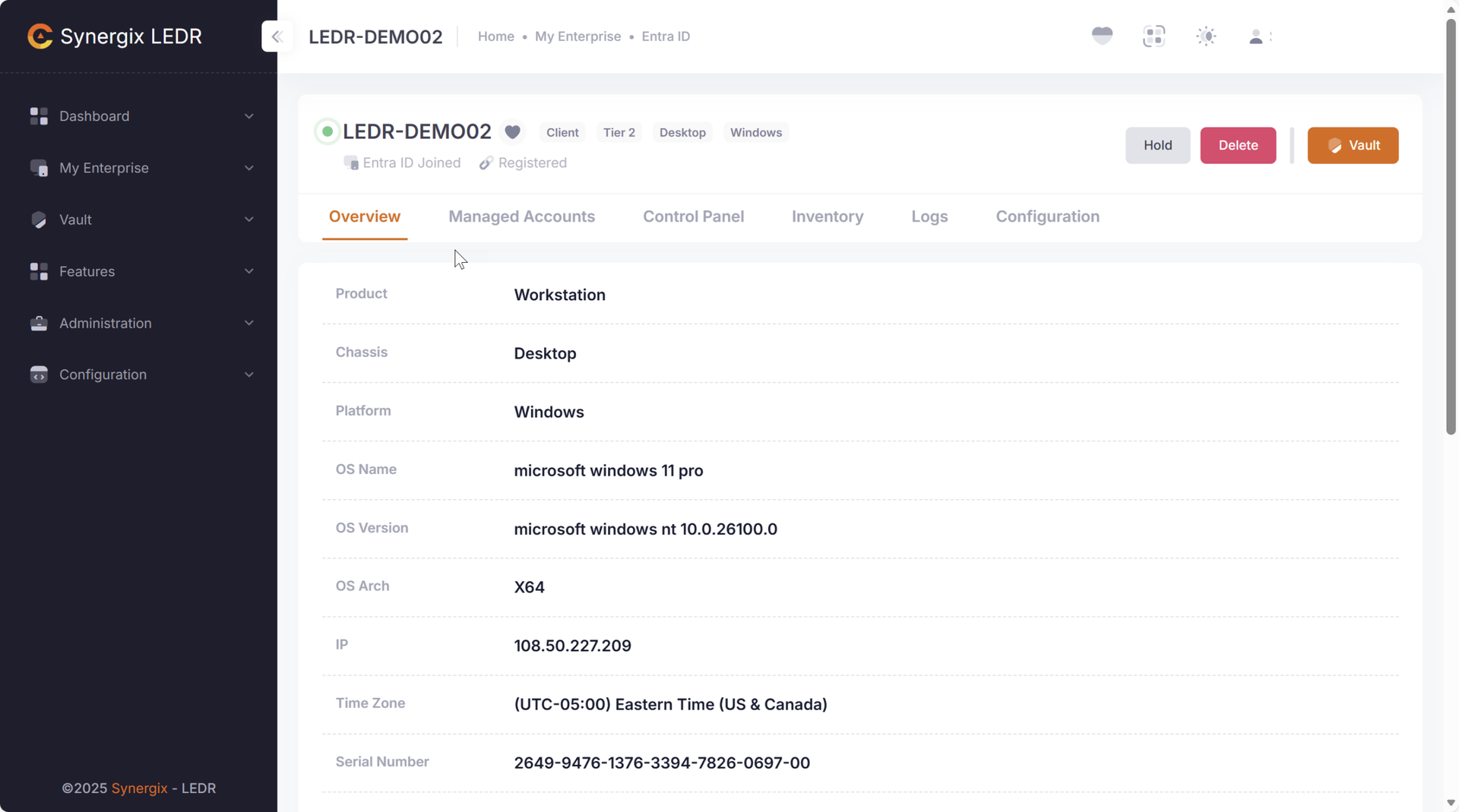
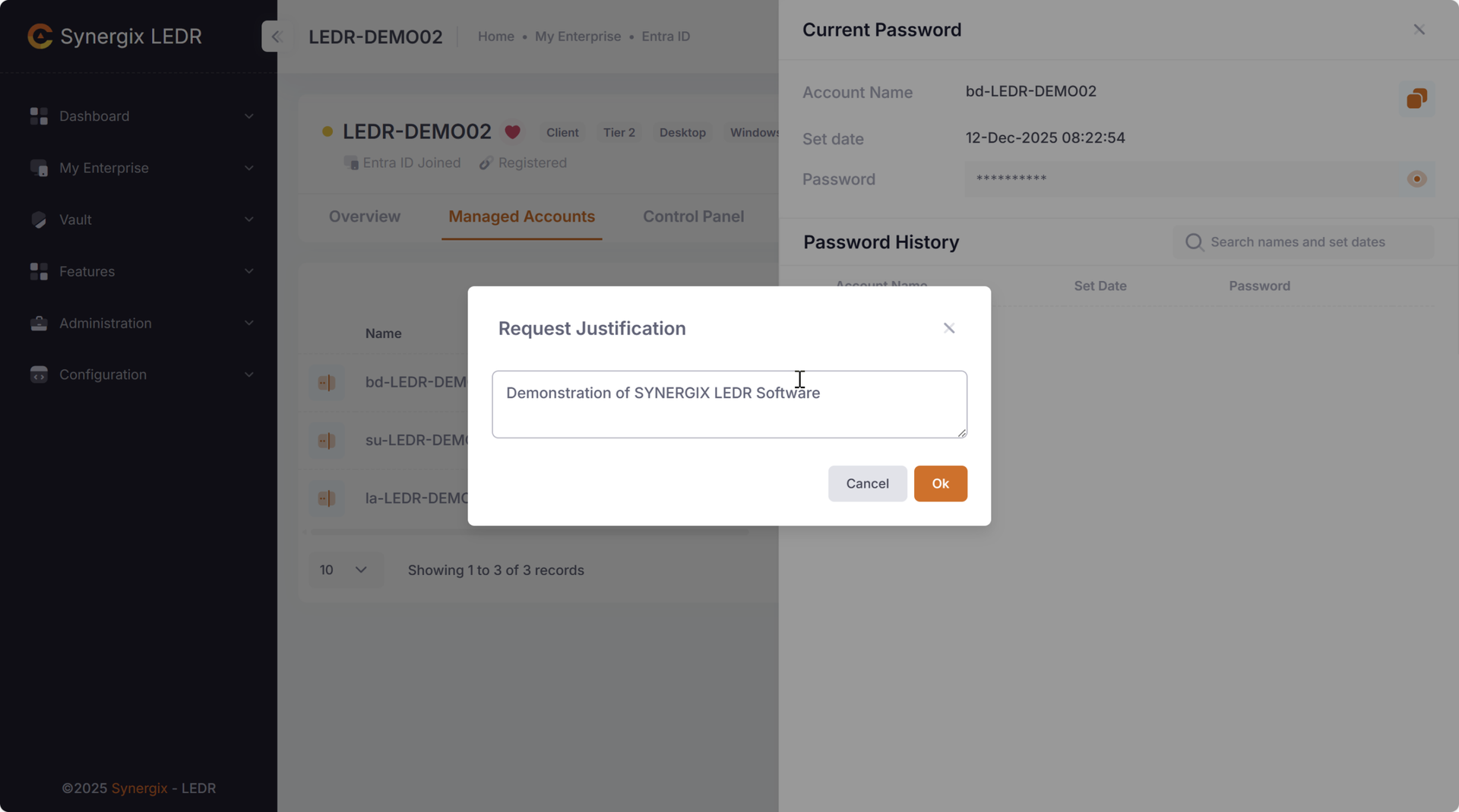
Questions & Answers
Does this product run on Windows, macOS, and Linux?
Yes, our product is designed to be highly versatile and compatible with various operating systems and devices. Whether you are using Windows, OSX, Linux, our product seamlessly integrates to ensure a consistent and reliable user experience across all devices.
The software can also be used on Linux based appliances such as OpenVPN, Tenable Nessus Scanner and others.
What are the key features and functionalities of the product?
LEDR, a feature-rich privileged access suite, is positioned as an economical alternative to enterprise incumbents like CyberArk, Delinea, and ManageEngine.
SYNERGIX LEDR consolidates discovery, secrets vaulting, session control, and compliance automation into a single pane of glass.
How does the product ensure data security and user privacy?
SYNERGIX LEDR safeguards customer data by keeping control and visibility exclusively with the customer. The software is installed directly inside their Azure tenant, ensuring sensitive information never leaves their boundary.
What level of customer support is provided with the product?
Standard support is available to paying customers from Monday through Friday, 8:00 AM to 5:00 PM US Eastern Time. This is the level of support included with your paid subscription.
Can you provide examples of how the product has benefited businesses?
Customers have observed significant drop in security incidents when SMB partners have deployed security tools and shared playbooks with their large enterprise partners.
LEDR is small business to large enterprise ready privileges management suite but priced and packaged for easy adoption by small and mid-sized businesses.
Lean teams can’t afford dedicated security staff yet need to assure enterprise customers they’re a safe partner. LEDR enables them to reach such requirements.