
LEDR product tour
See how LEDR, our Endpoint Privilege Management (EPM) platform, looks in daily use. Watch the 90-second walkthrough, then browse the screens below. Select any screenshot to see it full size.
Inside the LEDR console
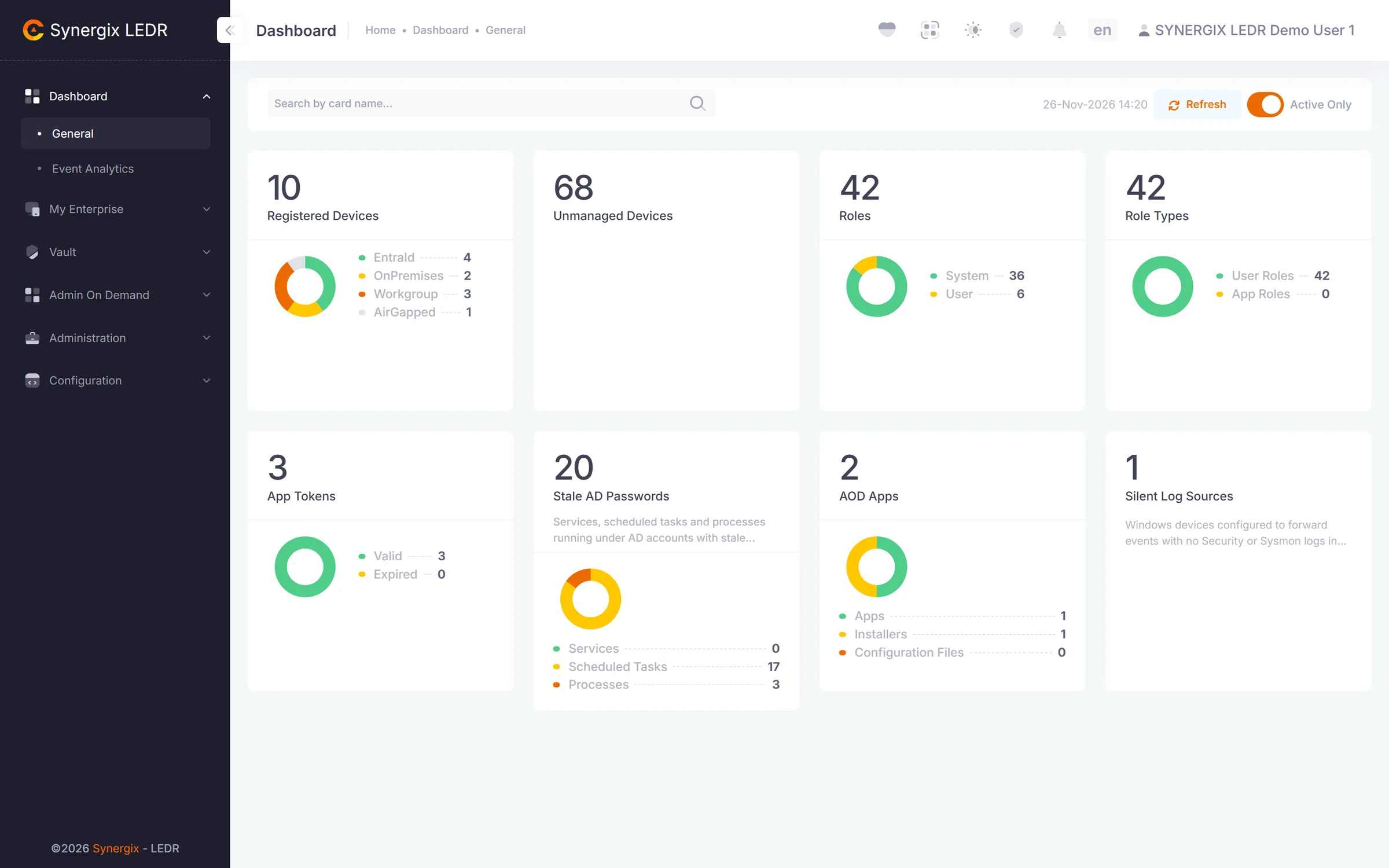
Dashboard
Registered and unmanaged devices, roles, app tokens, stale AD passwords and Admin On Demand apps, all on one screen.
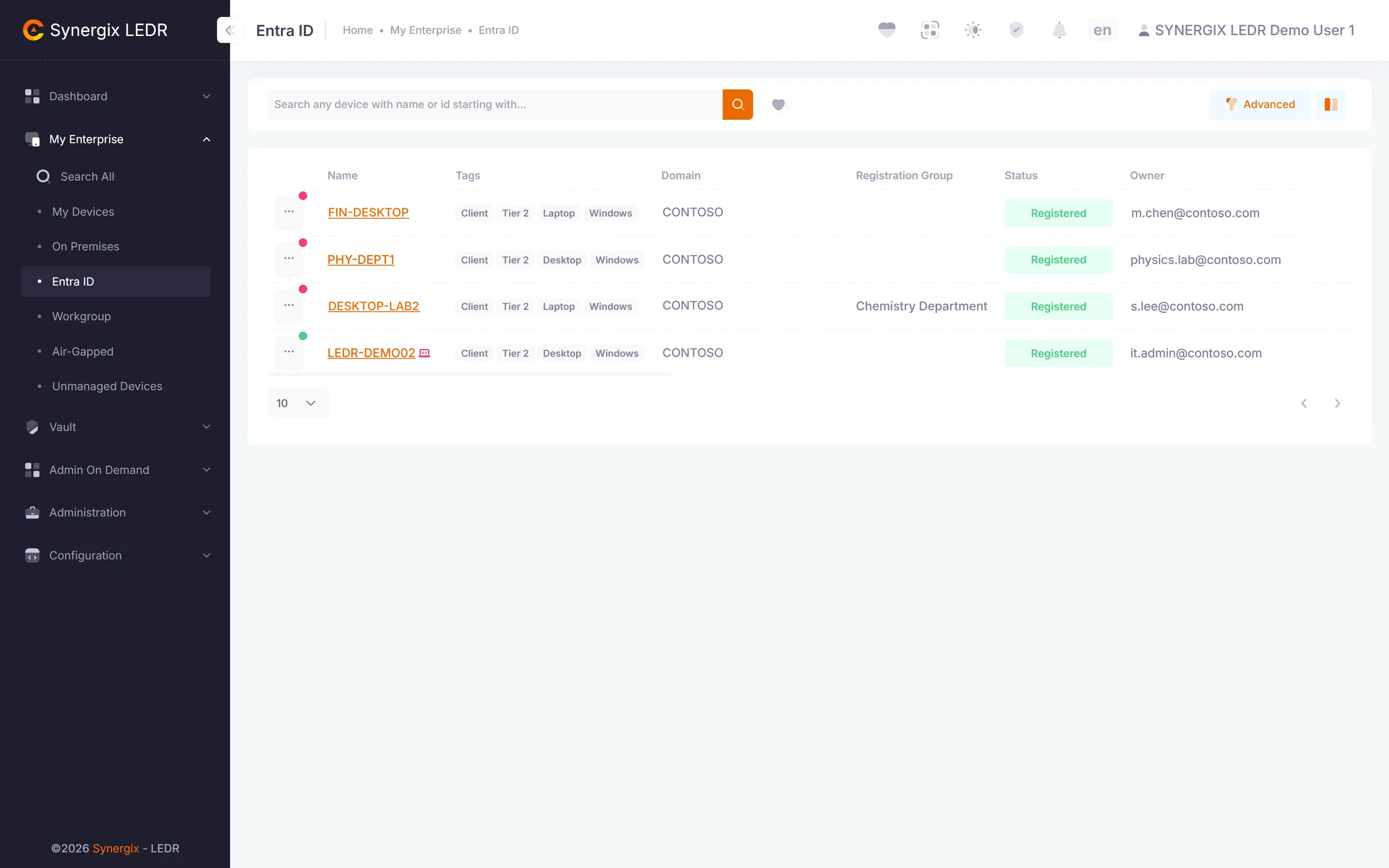
Every device in one console
Entra ID, on-premises, workgroup and air-gapped devices, with tags, domain, registration group, status and owner.
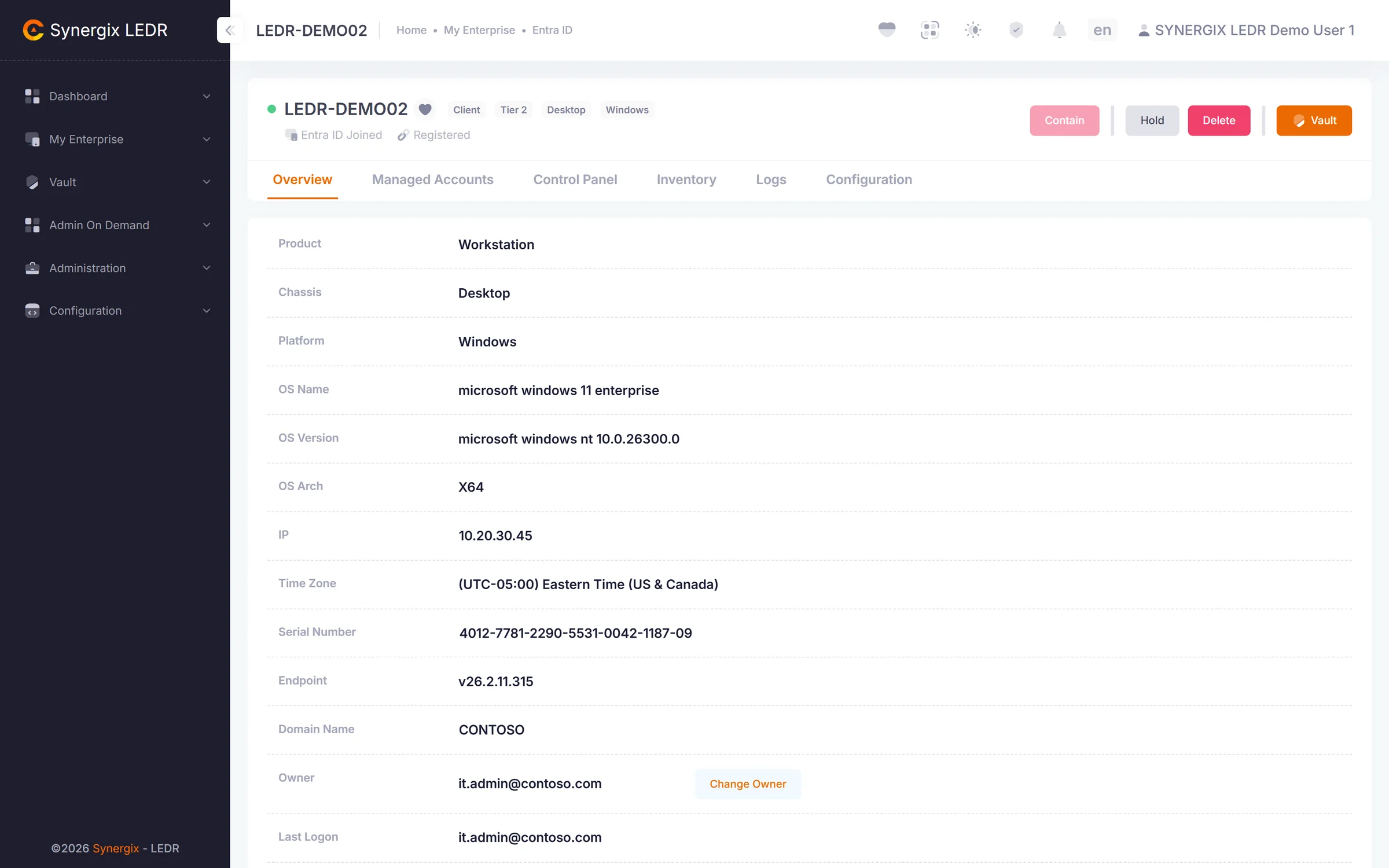
Device details
Hardware, operating system, owner and network details, with one-click actions such as containment and vault access.
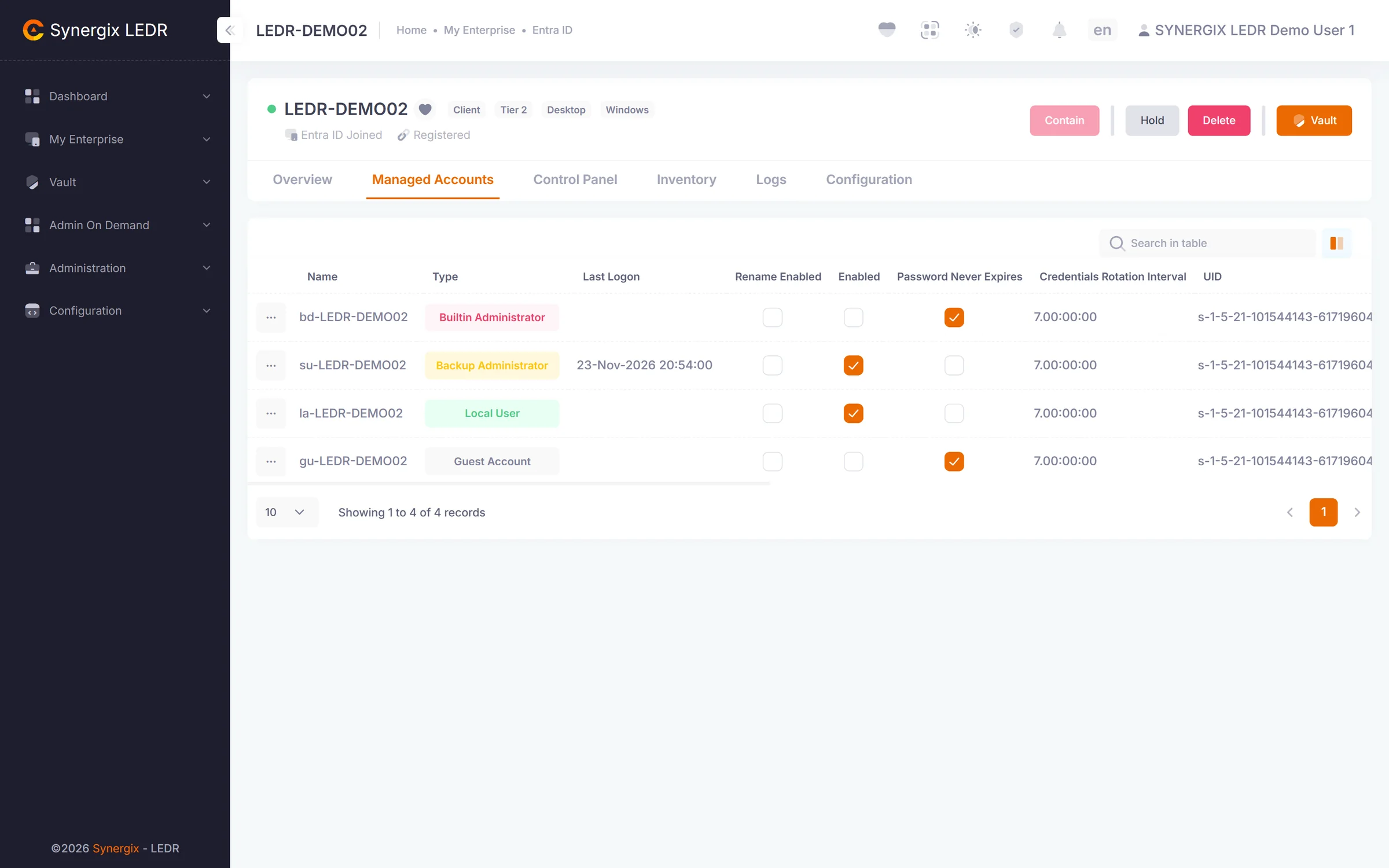
Universal LAPS
Every local account on the device is discovered, managed and rotated on a schedule you set.
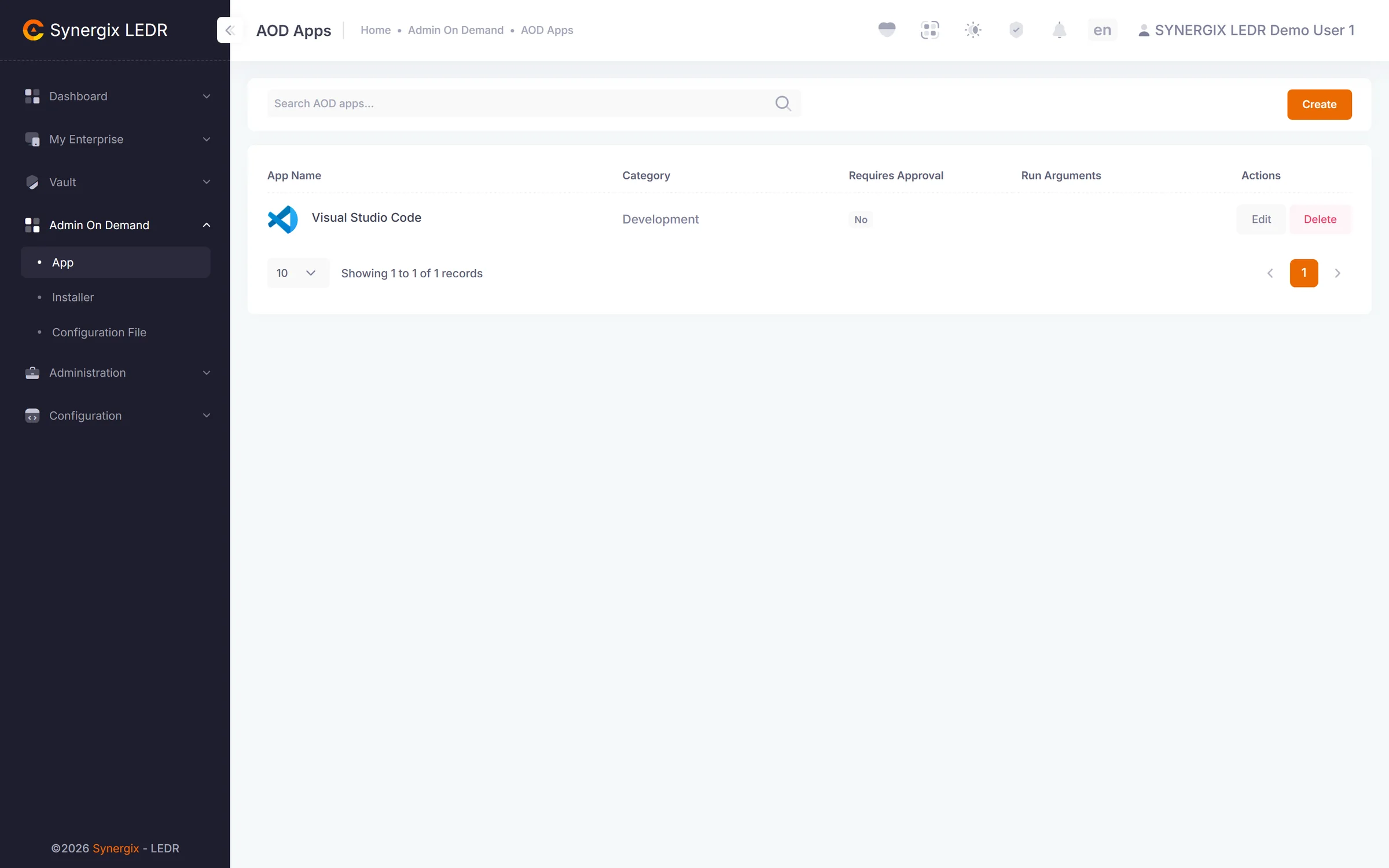
Admin On Demand
Users run approved applications elevated, with or without approval, so nobody needs standing admin rights.
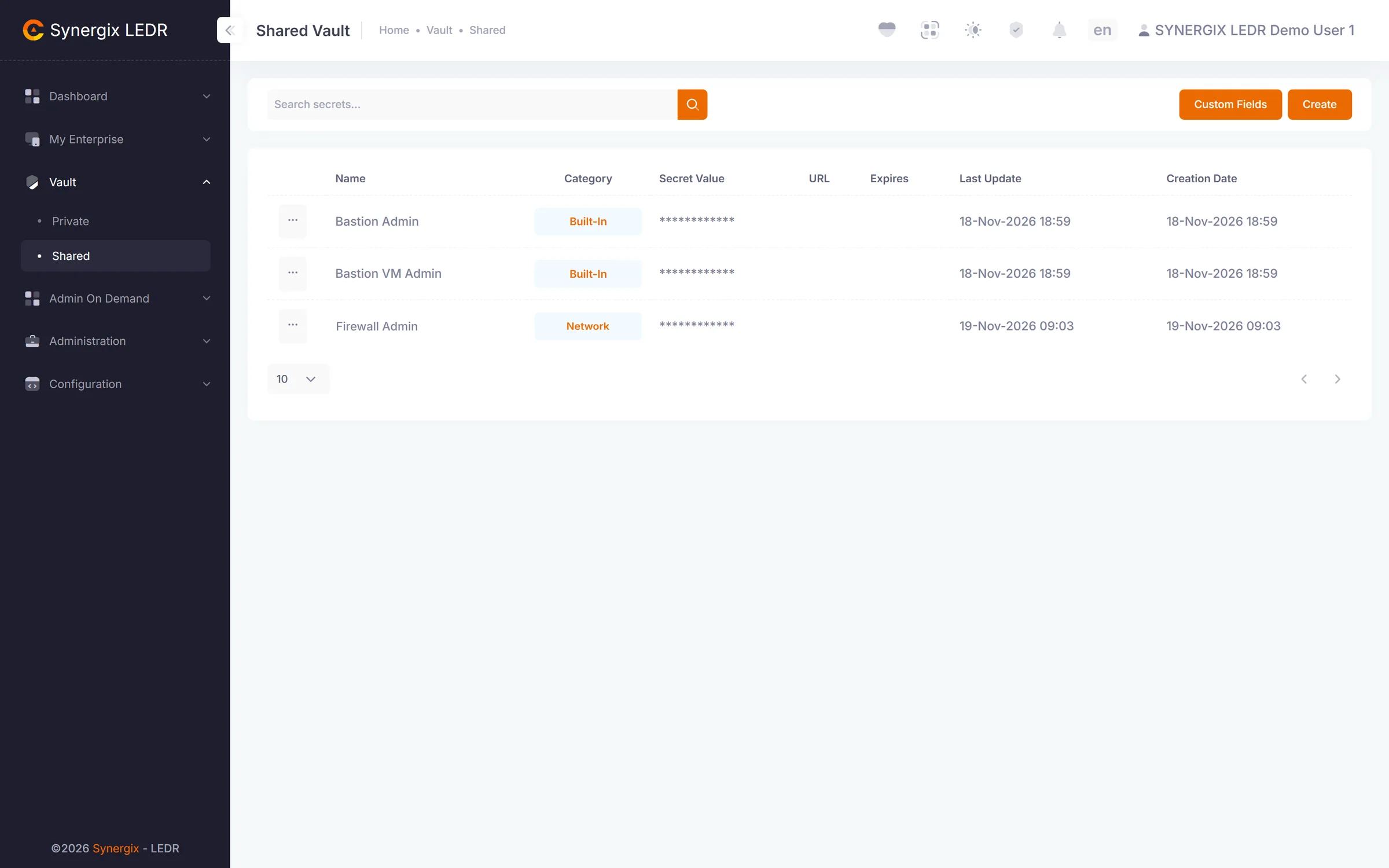
Enterprise Vault
Shared secrets are stored per team and released only to the roles that need them.
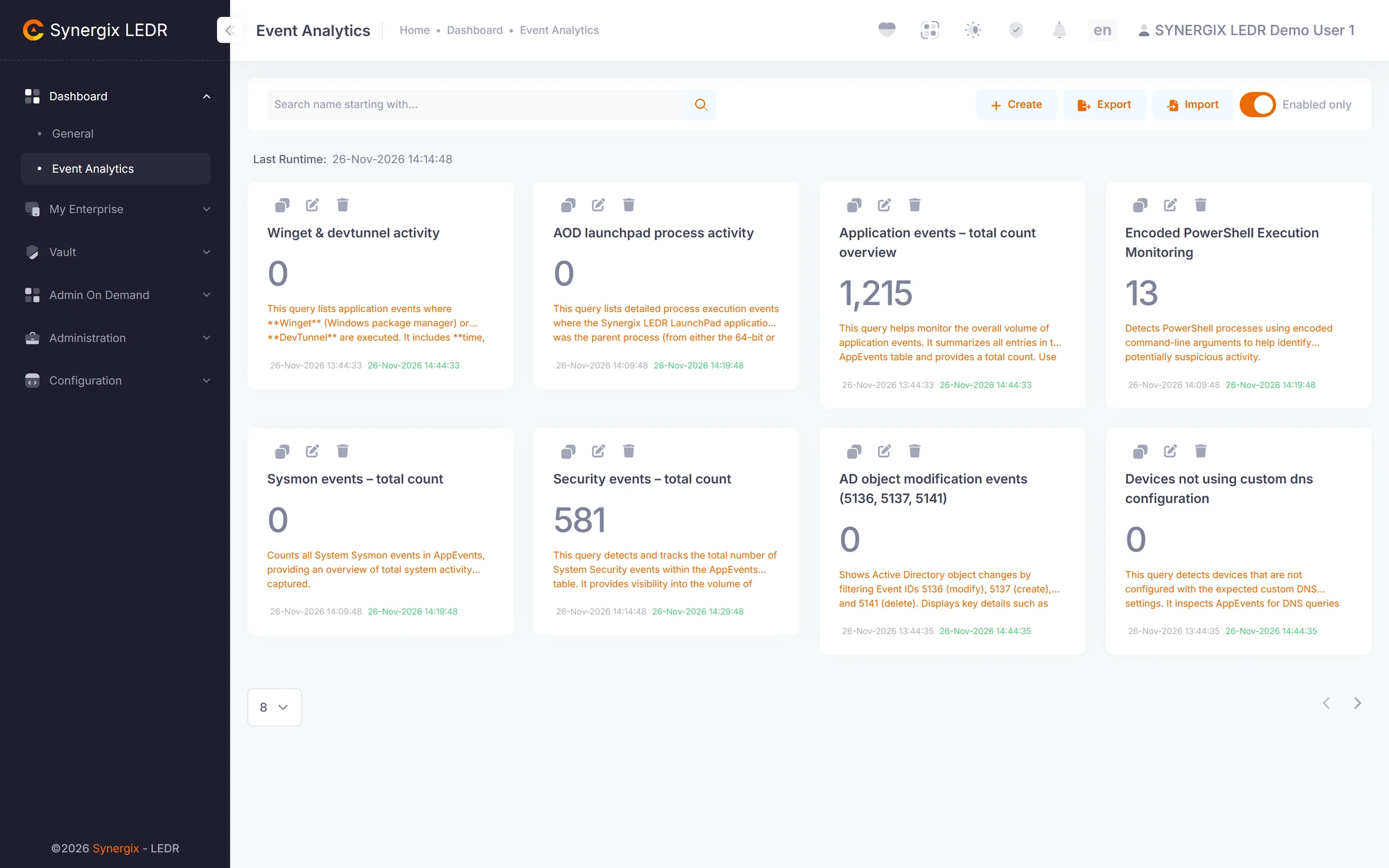
Event Analytics
Run KQL queries against the Log Analytics workspace in your own Azure tenant.
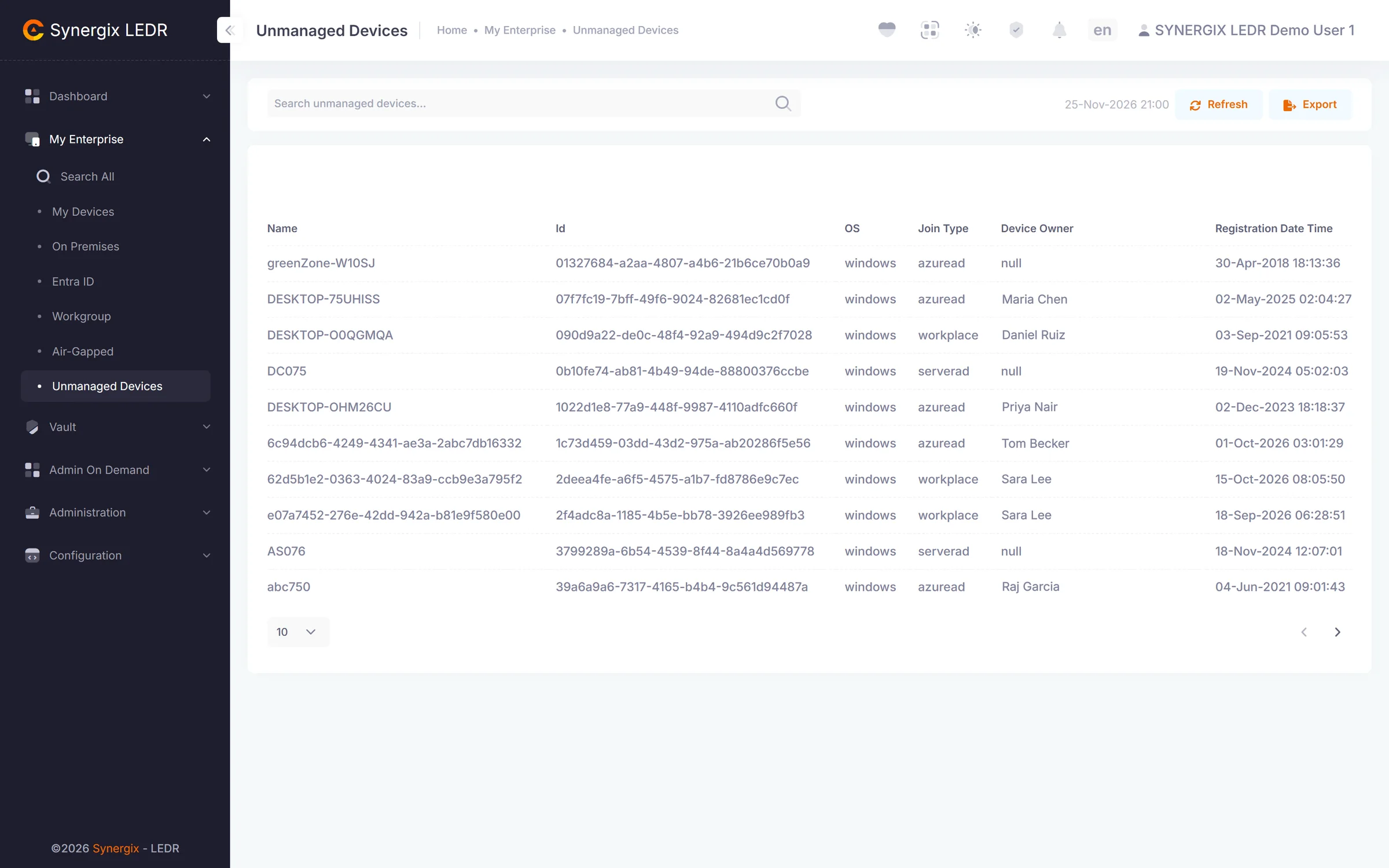
Unmanaged devices
Find the devices on your network that LEDR doesn’t protect yet.
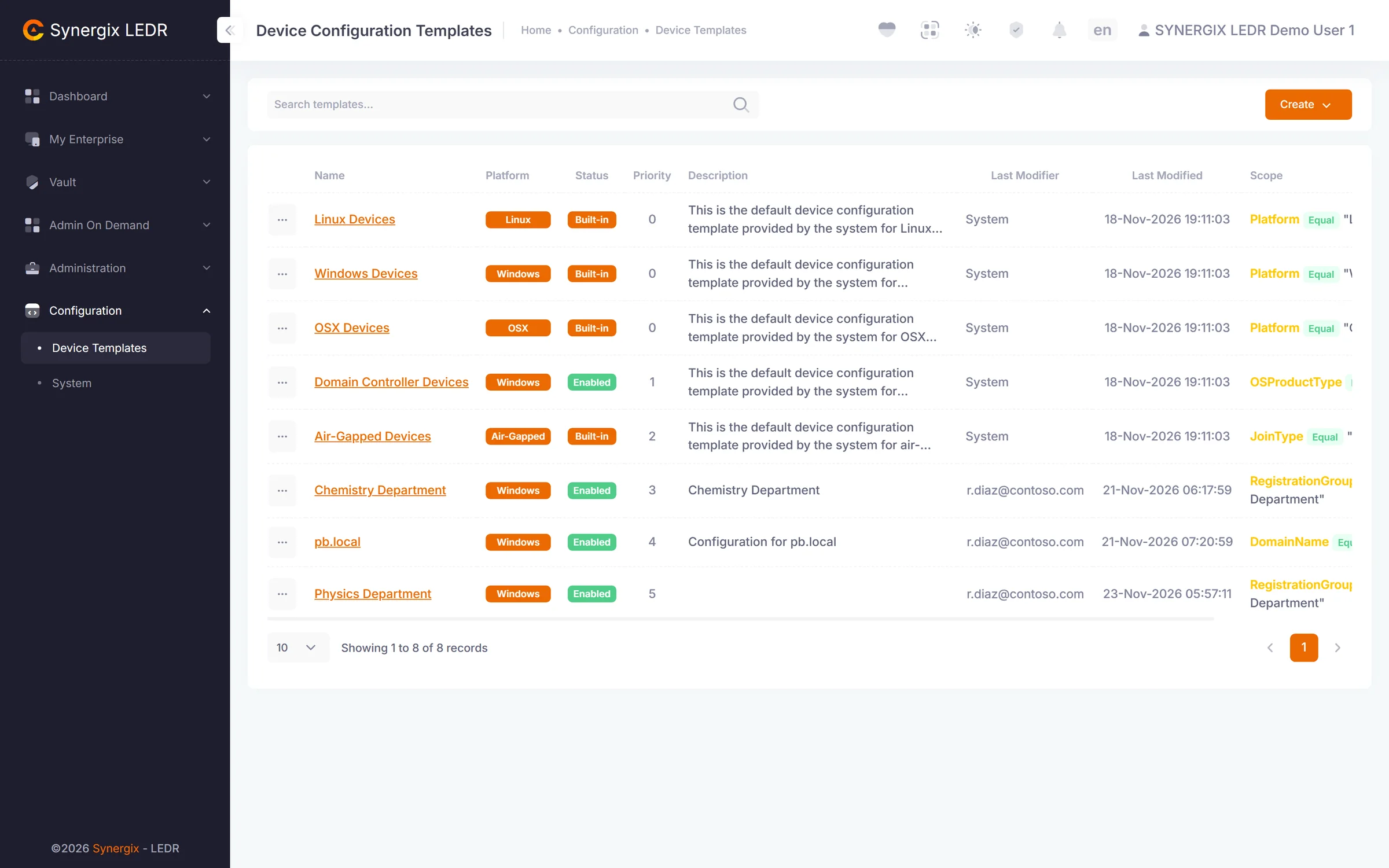
Device templates
Apply policies by platform, department or domain, from built-in and custom templates.
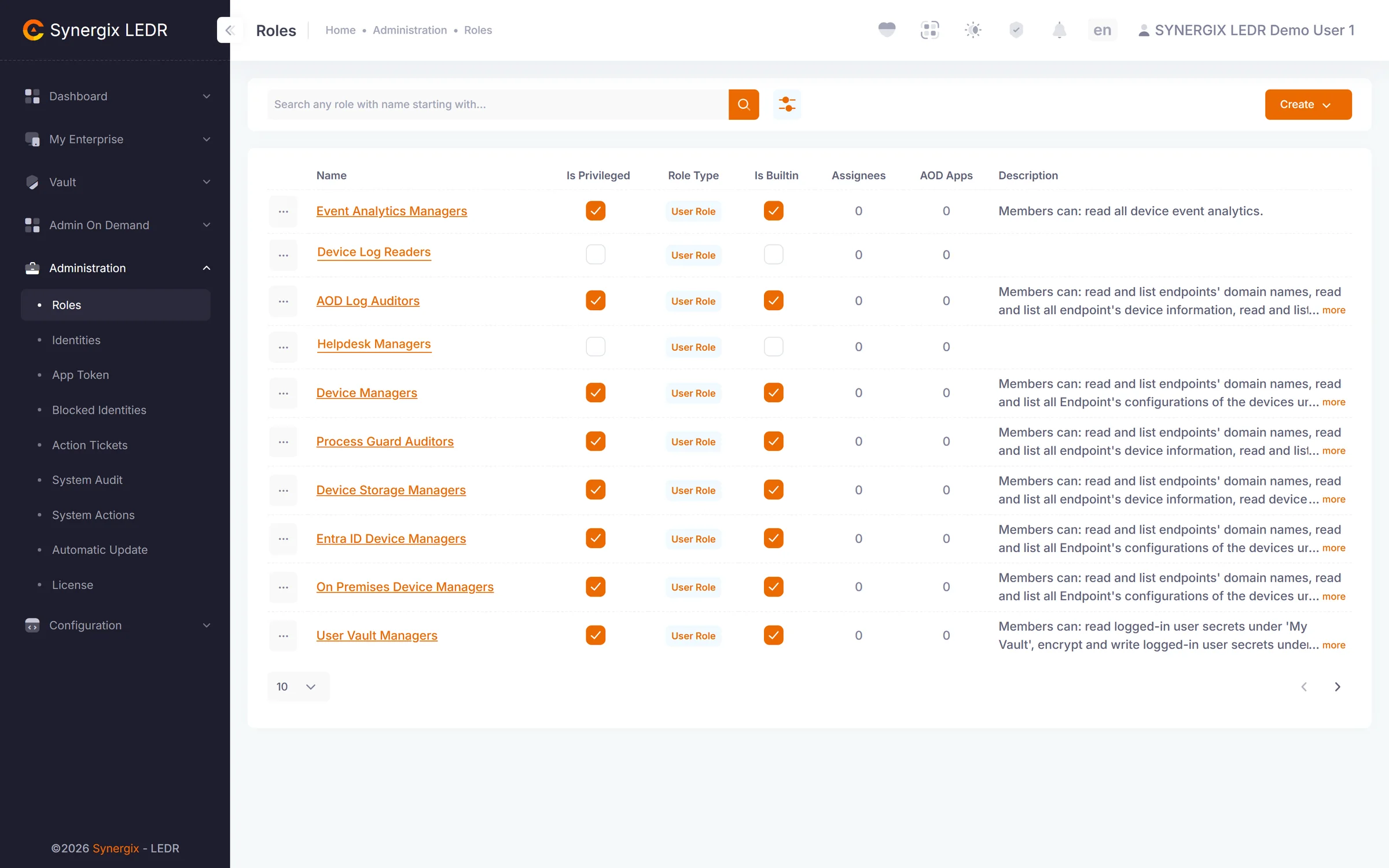
Role-based access
Give your own IT staff only the permissions they need, with built-in and custom roles.
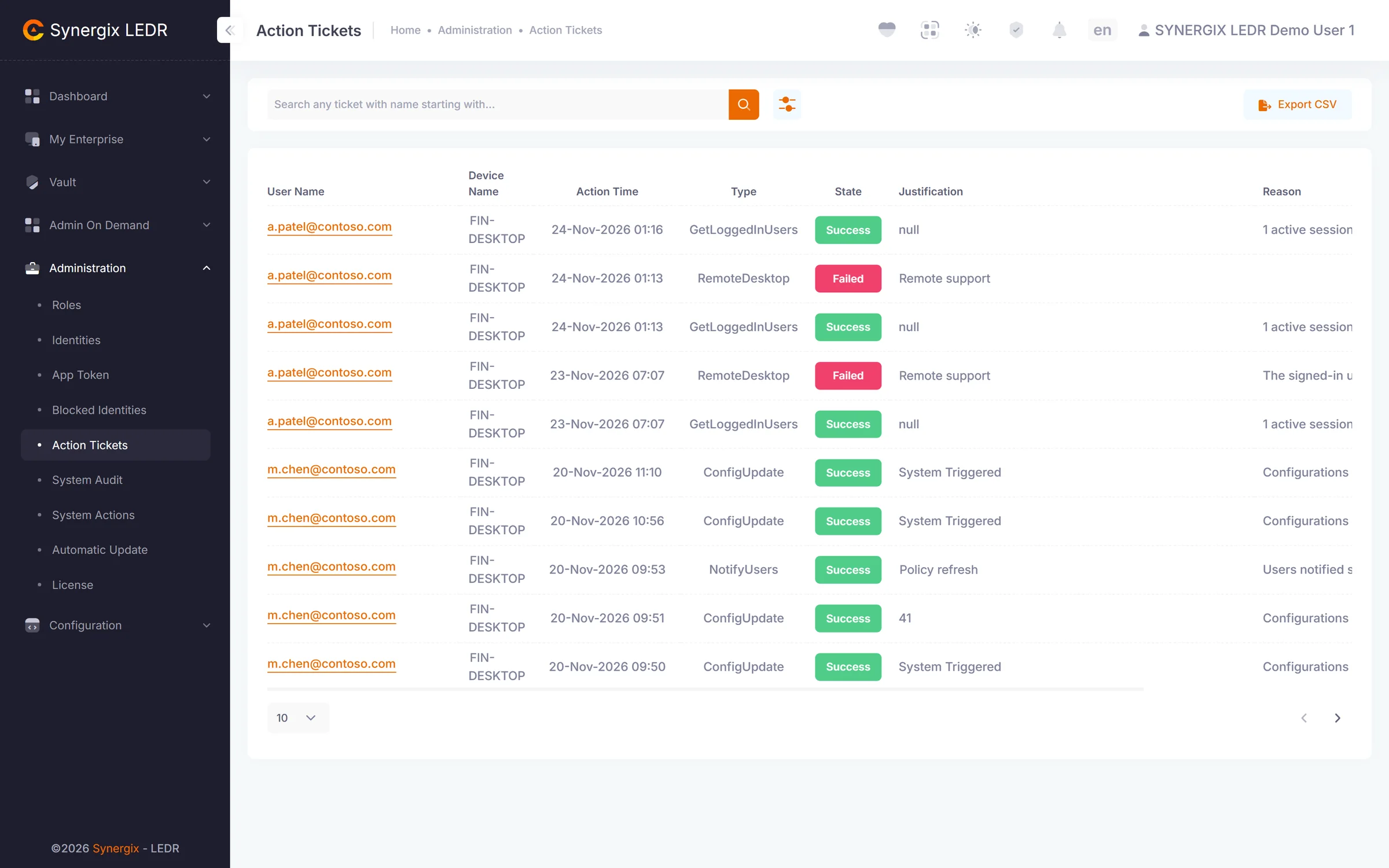
Action tickets
Every remote action on a device is recorded with who asked for it, when and why.
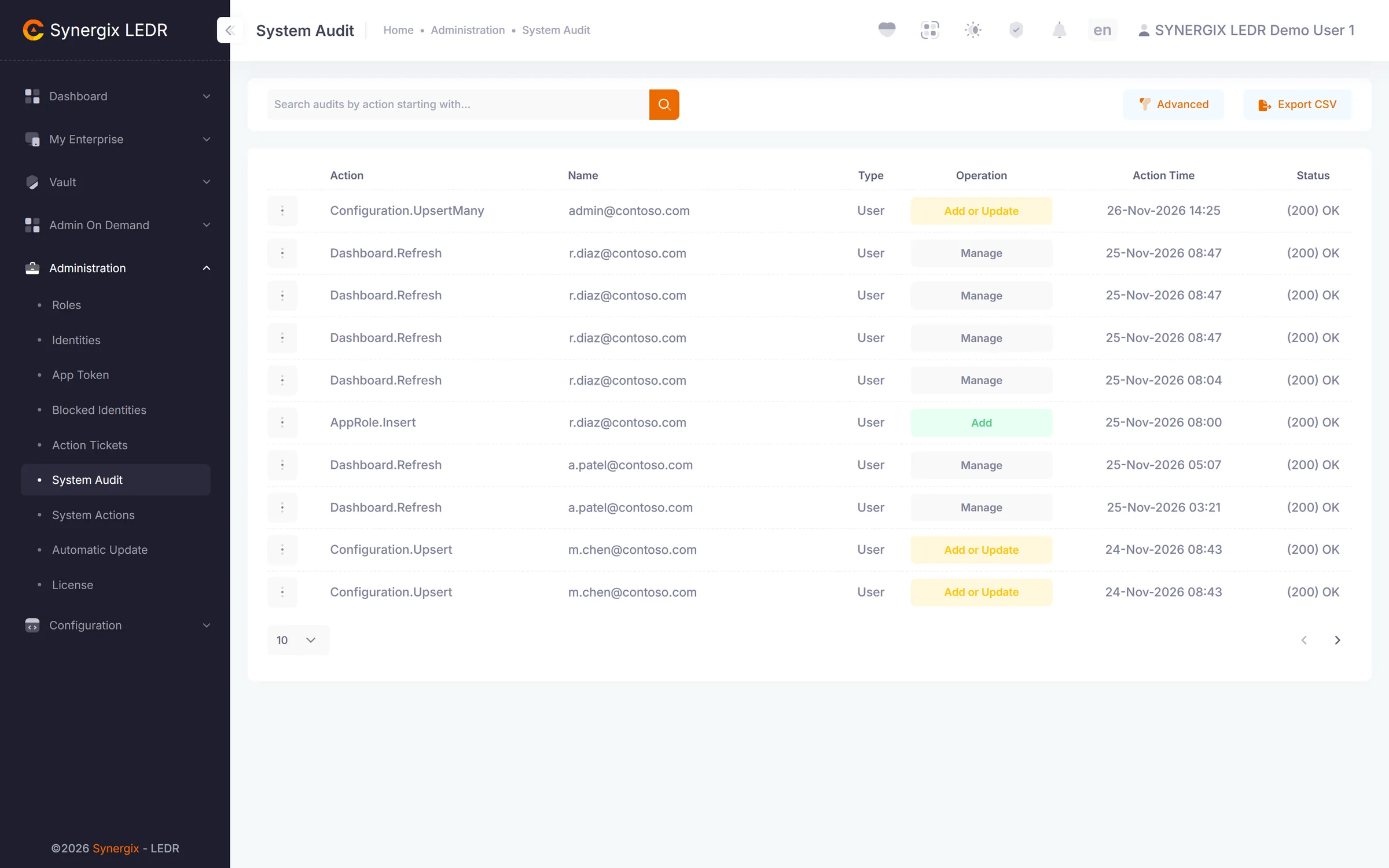
System audit
A full trail of changes made in the console, ready for audits and compliance reviews.
Screens are from a LEDR demo tenant. Names, emails and device details have been changed.
Try LEDR free
Free for up to 100 endpoints, running in your own Azure tenant.